- Please keep your shoes off inside the house...
Unreal Engine · Plugins & Tutorials
Unreal Engine plugins and tools for your projects
Multiplayer plugins, tutorials, 3D modeler and more...
Learning guides
All postsBuild-along guides to real Unreal Engine systems, split into ordered steps. Start at step one and follow the whole thing through.
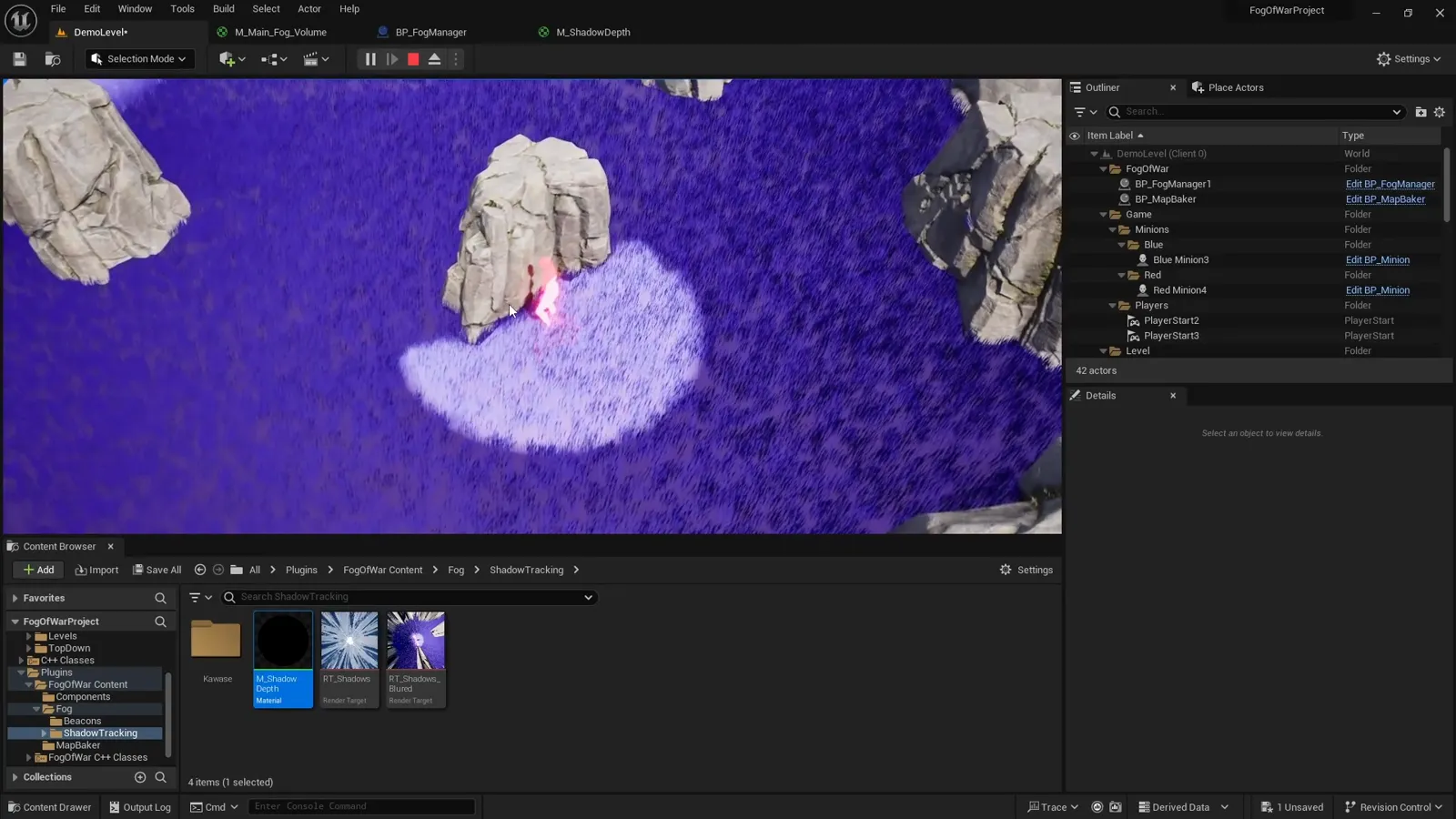
Multiplayer Fog of War
A screen-space darkness pass, server-side line of sight, and Niagara reveals, built one step at a time.

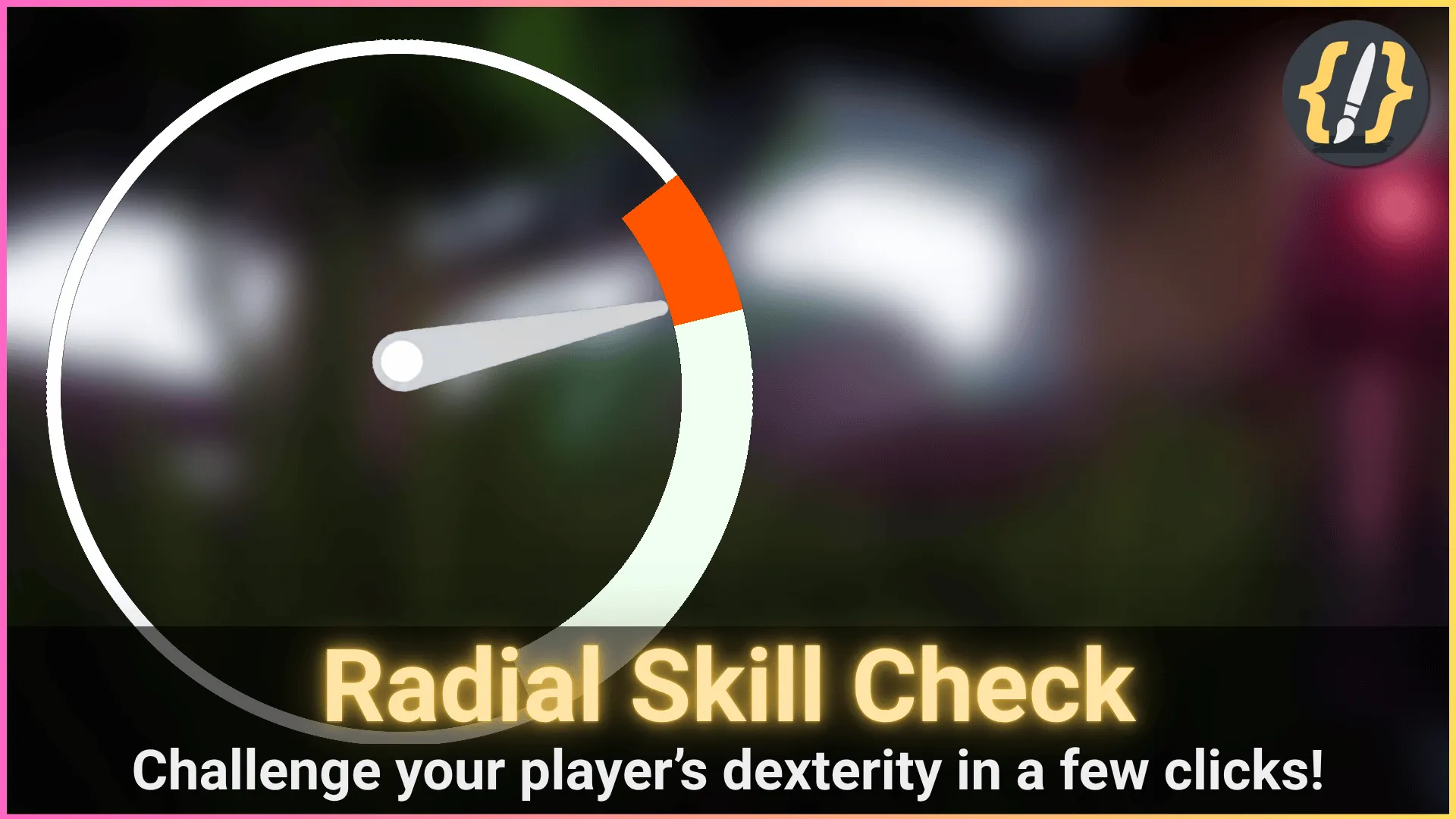
Radial Skill Check
A rotating gauge, randomized zones, the arc materials, scoring, and triggering, from component to widget.
AI Code Editor
How an in-editor C++ tool is built: tabs and menus, Slate UI, AI integration, completion, and C++ parsing.
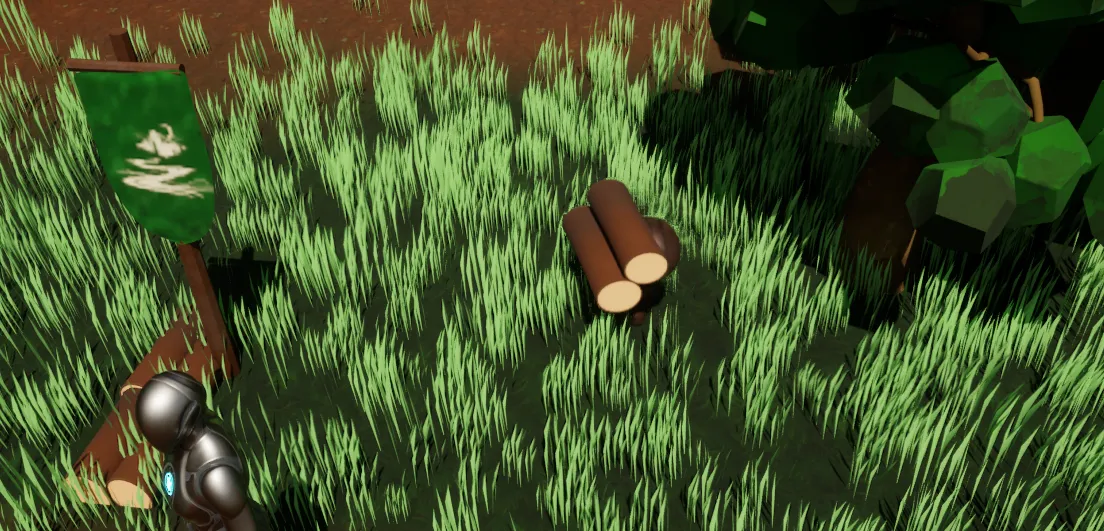
Resource Gathering AI
The gather loop, the carried actor, and a server-authoritative ownership spine for autonomous worker minions.
Latest articles
All posts-
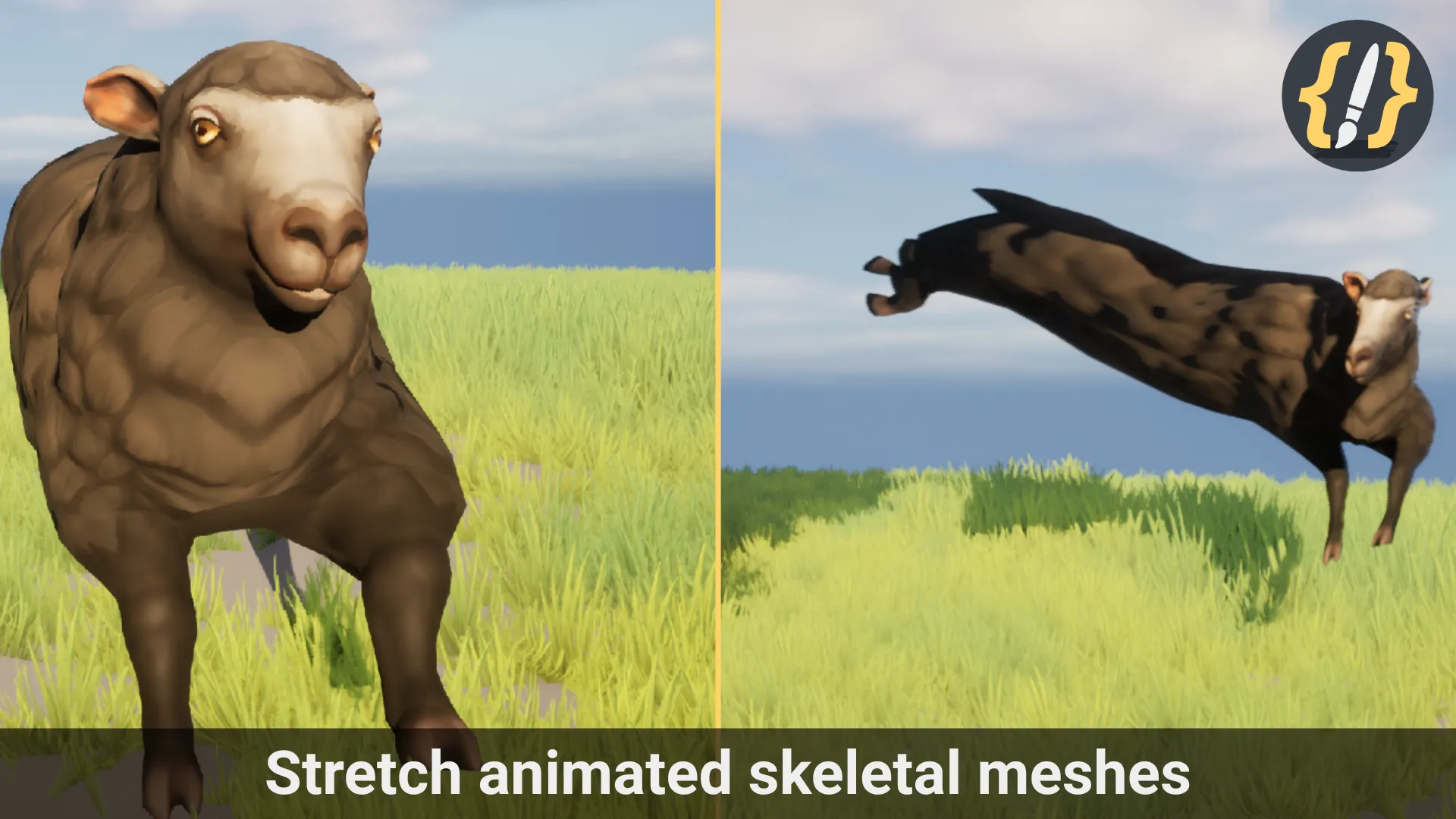
How to Make Meshes Pop in Unreal Engine: Pop-In, Squash & Stretch, Wobble
Four ways to make meshes pop in Unreal Engine, compared honestly: a Timeline scale curve, material World Position Offset, Sequencer, and ready-made presets, covering spawn pop-ins, squash and stretch, wobble, and build reveals.
-
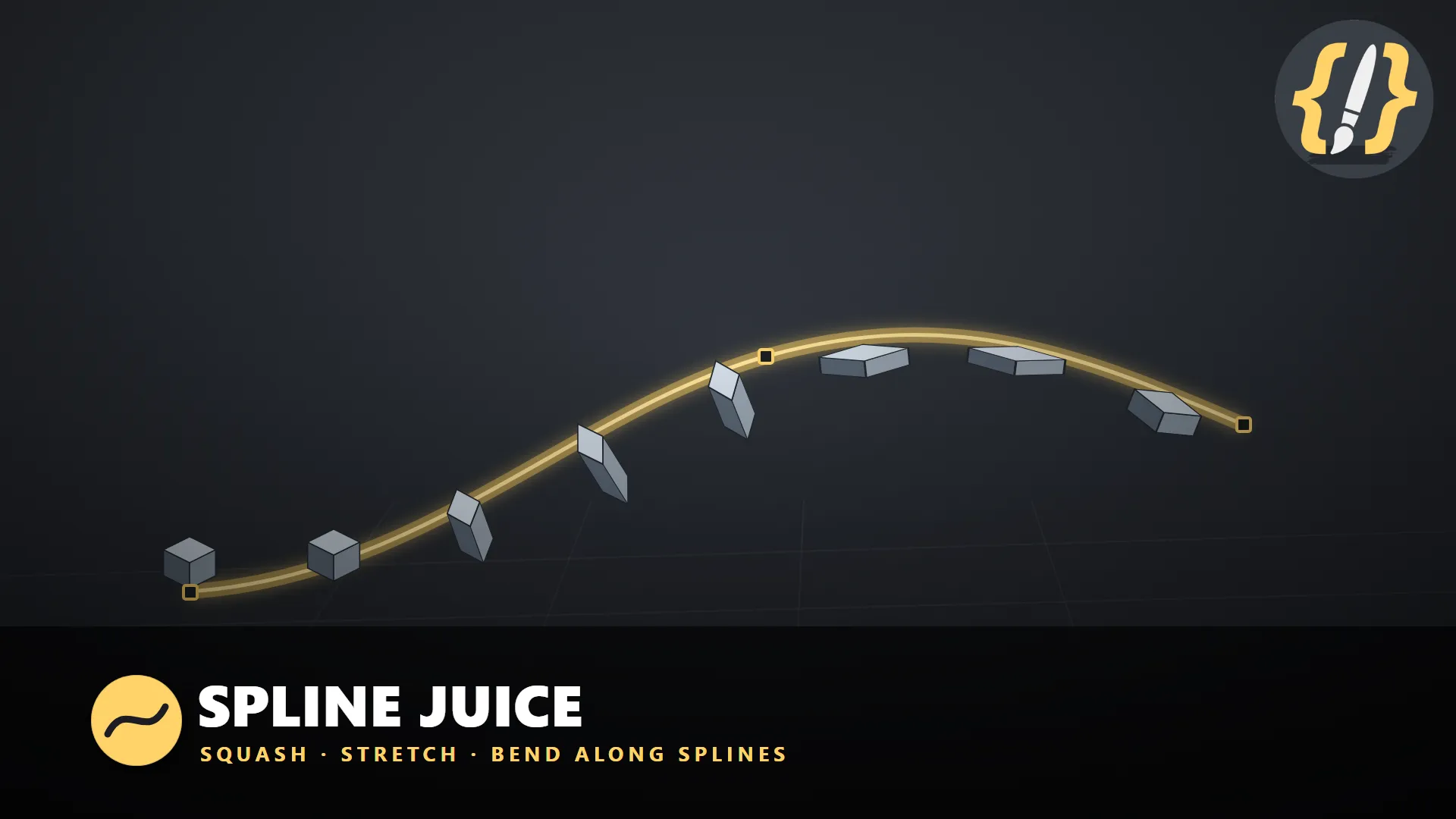
Squash and Stretch a Mesh Along a Spline in Unreal Engine
How to make a mesh squash, stretch, and bend as it travels along an editable spline in Unreal Engine using World Position Offset, so the geometry follows the curve while the actor transform and collision never move.
-
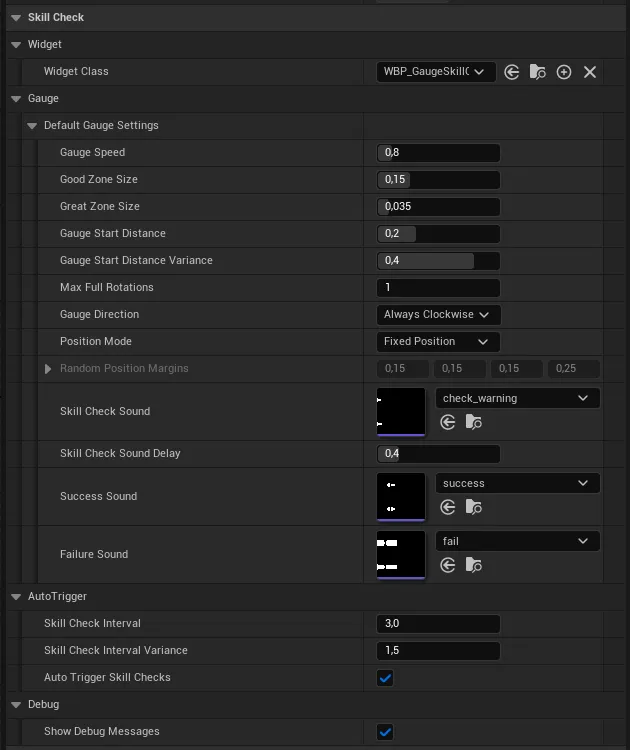
Triggering Skill Checks: Solving Sessions and Timers (Unreal Engine)
How a radial skill check decides when to appear: a solving session that runs between Begin and End, an auto-trigger timer with randomized intervals, manual Show Gauge calls with optional per-check settings, and random on-screen placement.
The tools behind the tutorials
All pluginsEach guide is built on a plugin you can drop straight into your own project. They live on FAB; the tutorials work with or without them.